How to prepare risk-based CDD records for audits in one click


Hande Kahraman
On this page
Compliance leaders should be able to quickly access required evidence when an auditor comes looking for answers around customer due diligence (CDD). Instead, teams end up searching through a customer’s case history, taking screenshots from pages of logs, and manually exporting files to back up their decisions.
With regulations always changing, and the EU’s new Anti-Money Laundering Regulation (AMLR) taking effect in July 2027, keeping an audit-ready trail is table stakes for sound governance. Especially when managing a team of AI agents.
Duna’s policy engine applies each bank’s policies to customer due diligence, helping compliance teams take a risk-based approach and focus their attention where it’s needed most. But heads of compliance at banks and fintechs still need to show auditors and supervisors how a customer was onboarded, screened, and reviewed.
Duna’s Due Diligence Files (DDF) provides a single export of a customer’s audit record, including decisions made and the analyst’s reasoning, with just one click.
Recording risk-based CDD decisions
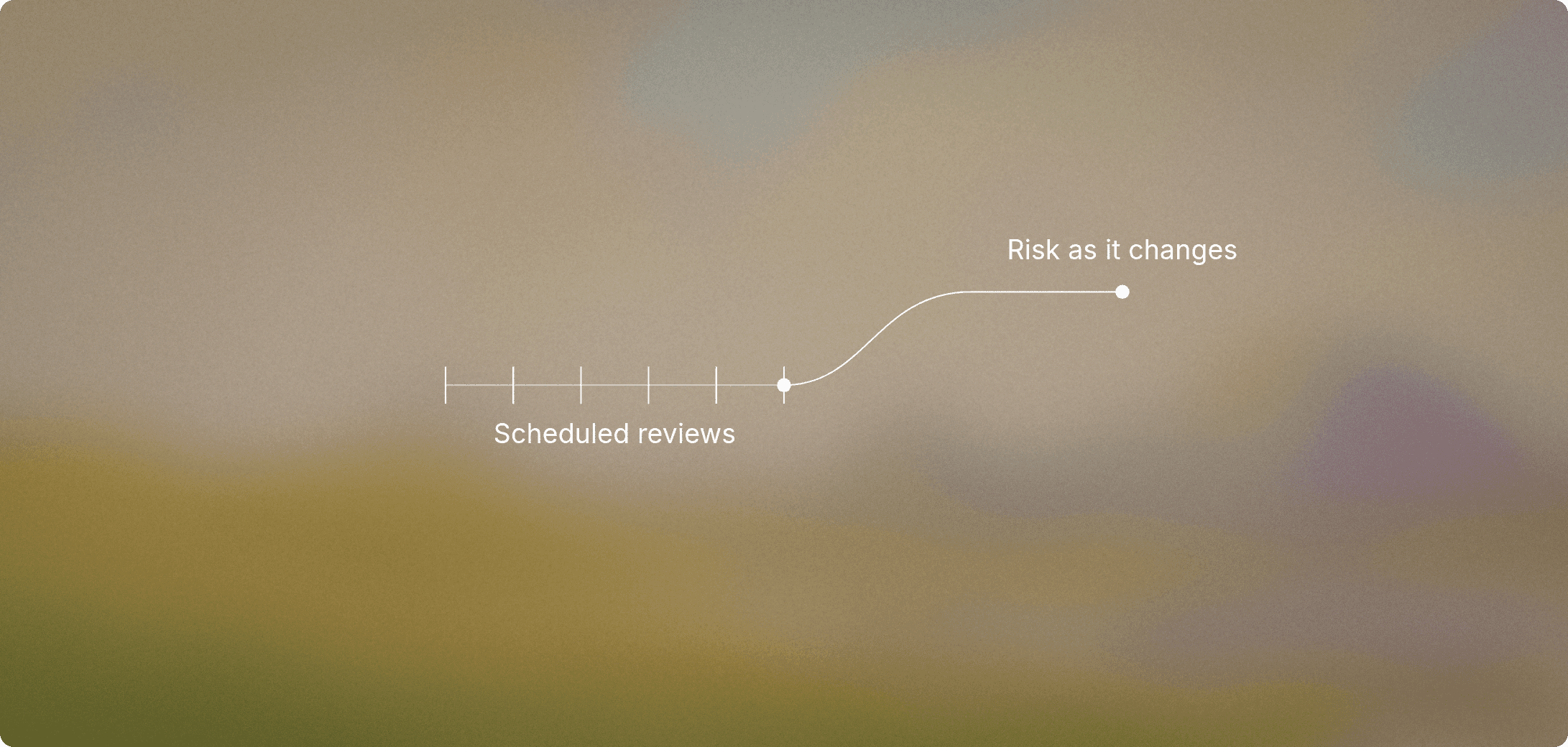
Risk-based CDD means applying due diligence measures in proportion to each customer’s risk. A customer with a straightforward ownership structure and low-risk profile might require standard checks, while a complex corporate structure or higher-risk customer needs enhanced due diligence (EDD).
For example, a change in ownership and other risk factors could trigger a new assessment of an existing customer. That assessment becomes part of the customer’s CDD history, providing context for future reviews and audits.
Duna records screening activity and analysts’ assessments, along with changes to a customer’s risk category or score, giving auditors a clearer understanding of the customer’s risk profile.
Simplifying documentation for external review
Due Diligence Files make it easier for compliance teams to provide evidence of CDD activities and analyst decisions for independent third-party audits and supervisory reviews.
With one click, compliance teams can download a ZIP file containing five types of PDF documents covering the customer’s onboarding, relationship history, screening activity, investigations, and reviews. Depending on the customer’s history, the pack may contain multiple documents of the same type, such as separate PDFs for individual reviews.
Unlike Duna’s operational logs, which provide detailed timelines of actions and events for analysts, the Due Diligence Files focus on information relevant to independent auditors and supervisors. Its timelines give auditors a quick view of key events in the customer’s CDD history.
Due Diligence Files help compliance teams:
Prepare for audits faster, with less manual work. Compliance teams can generate an organized set of customer records directly from Duna rather than manually assembling individual files.
Explain decisions more clearly. Auditors can examine recorded screening activity alongside analysts’ assessments and the reasoning behind their decisions.
Make external reviews easier. Auditors can review the exported PDFs without needing access to the Duna Dashboard.
"The pack was easy to send straight to our auditors. The support from Duna during the audit was outstanding, and we had what we needed when we needed it." - Compliance lead, European fintech
What’s in the Due Diligence Files
Each PDF, or artifact, contains information collected from the customer, the analyst, and the platform while conducting CDD or enhanced due diligence (EDD).
1. Connection
The Connection PDF provides an overview of the customer’s relationship with the bank, including identifying details and relationship history. Auditors can also see the customer’s recorded risk category and score, including changes to them.
2. Onboarding
The Onboarding PDF shows the information supplied by the customer during onboarding, including business details and responses to due diligence questions. It also contains information retrieved from third-party sources, such as business registries, VIES, and SurePay. The PDF includes links to supporting documents, which authorized users can download separately.
3. Screening
The Screening PDF documents which entities were screened and when checks took place. It also documents how checks were configured and includes selected information about ongoing monitoring. This helps auditors identify screening checks that led to further investigation.
4. Investigations
The Investigations PDF documents how analysts assessed and resolved screening hits. It contains their notes, assessments, and recorded decisions, explaining the reasoning behind how each hit was handled.
For example, if screening identified a potential sanctions match, an auditor could examine the relevant check in the Screening artifact and then consult the Investigations artifact to see the analyst’s assessment and decision.
5. Review
The Review PDF helps auditors understand how customer risks were evaluated during reviews and what actions were taken. It includes analysts’ assessments and decisions, along with notes and follow-ups. Timestamps show when key events occurred, such as when a review was created or finalized.
How to generate an audit-ready CDD File in Duna
To create Due Diligence Files, open the Connections list in the Duna Dashboard and locate the connection you want to review. Click the three-dot menu on that row and select Generate Due Diligence Files.

Duna generates the pack in the background. Once it’s ready, you can download the ZIP file.
Make compliance decisions easier to demonstrate
Due Diligence Files gives compliance teams using a risk-based approach a simple way to prepare for external audits and supervisory reviews, reducing the manual work involved in responding to auditor requests.
FAQ: what to know about Due Diligence Files
What is a Due Diligence Files (DDF)?
Due Diligence Files is a one-click export of a customer’s CDD records. It provides PDF documents covering onboarding, screening, investigations, and reviews, along with the customer’s relationship history.
How do I generate a Due Diligence Files Pack in Duna?
Select Generate Due Diligence Files from the three-dot menu next to a customer in the Connections list. Download the ZIP file once it’s ready.
How does the Due Diligence Files support risk-based CDD?
Due Diligence Files helps compliance teams show how due diligence was carried out for a particular customer. It includes recorded screening activity, analyst assessments and changes to the customer’s risk category or score.
How is the Due Diligence Files different from an audit log?
Duna’s operational logs provide detailed timelines of system activity. Due Diligence Files organizes customer information and decisions into documents designed for external audits and supervisory reviews.
Can auditors access the Due Diligence Files without logging into Duna?
Yes. Compliance teams can download the pack as a ZIP file and share the PDFs with authorized auditors or supervisors. Reviewers do not need access to the Duna Dashboard.
Do the Due Diligence Files include supporting documents?
The Onboarding PDF includes links to uploaded supporting documents. Authorized users can download those documents separately.
Learn how Duna makes it easier to provide CDD documentation for audits and supervisory reviews. Get in touch.
Compliance leaders should be able to quickly access required evidence when an auditor comes looking for answers around customer due diligence (CDD). Instead, teams end up searching through a customer’s case history, taking screenshots from pages of logs, and manually exporting files to back up their decisions.
With regulations always changing, and the EU’s new Anti-Money Laundering Regulation (AMLR) taking effect in July 2027, keeping an audit-ready trail is table stakes for sound governance. Especially when managing a team of AI agents.
Duna’s policy engine applies each bank’s policies to customer due diligence, helping compliance teams take a risk-based approach and focus their attention where it’s needed most. But heads of compliance at banks and fintechs still need to show auditors and supervisors how a customer was onboarded, screened, and reviewed.
Duna’s Due Diligence Files (DDF) provides a single export of a customer’s audit record, including decisions made and the analyst’s reasoning, with just one click.
Recording risk-based CDD decisions
Risk-based CDD means applying due diligence measures in proportion to each customer’s risk. A customer with a straightforward ownership structure and low-risk profile might require standard checks, while a complex corporate structure or higher-risk customer needs enhanced due diligence (EDD).
For example, a change in ownership and other risk factors could trigger a new assessment of an existing customer. That assessment becomes part of the customer’s CDD history, providing context for future reviews and audits.
Duna records screening activity and analysts’ assessments, along with changes to a customer’s risk category or score, giving auditors a clearer understanding of the customer’s risk profile.
Simplifying documentation for external review
Due Diligence Files make it easier for compliance teams to provide evidence of CDD activities and analyst decisions for independent third-party audits and supervisory reviews.
With one click, compliance teams can download a ZIP file containing five types of PDF documents covering the customer’s onboarding, relationship history, screening activity, investigations, and reviews. Depending on the customer’s history, the pack may contain multiple documents of the same type, such as separate PDFs for individual reviews.
Unlike Duna’s operational logs, which provide detailed timelines of actions and events for analysts, the Due Diligence Files focus on information relevant to independent auditors and supervisors. Its timelines give auditors a quick view of key events in the customer’s CDD history.
Due Diligence Files help compliance teams:
Prepare for audits faster, with less manual work. Compliance teams can generate an organized set of customer records directly from Duna rather than manually assembling individual files.
Explain decisions more clearly. Auditors can examine recorded screening activity alongside analysts’ assessments and the reasoning behind their decisions.
Make external reviews easier. Auditors can review the exported PDFs without needing access to the Duna Dashboard.
"The pack was easy to send straight to our auditors. The support from Duna during the audit was outstanding, and we had what we needed when we needed it." - Compliance lead, European fintech
What’s in the Due Diligence Files
Each PDF, or artifact, contains information collected from the customer, the analyst, and the platform while conducting CDD or enhanced due diligence (EDD).
1. Connection
The Connection PDF provides an overview of the customer’s relationship with the bank, including identifying details and relationship history. Auditors can also see the customer’s recorded risk category and score, including changes to them.
2. Onboarding
The Onboarding PDF shows the information supplied by the customer during onboarding, including business details and responses to due diligence questions. It also contains information retrieved from third-party sources, such as business registries, VIES, and SurePay. The PDF includes links to supporting documents, which authorized users can download separately.
3. Screening
The Screening PDF documents which entities were screened and when checks took place. It also documents how checks were configured and includes selected information about ongoing monitoring. This helps auditors identify screening checks that led to further investigation.
4. Investigations
The Investigations PDF documents how analysts assessed and resolved screening hits. It contains their notes, assessments, and recorded decisions, explaining the reasoning behind how each hit was handled.
For example, if screening identified a potential sanctions match, an auditor could examine the relevant check in the Screening artifact and then consult the Investigations artifact to see the analyst’s assessment and decision.
5. Review
The Review PDF helps auditors understand how customer risks were evaluated during reviews and what actions were taken. It includes analysts’ assessments and decisions, along with notes and follow-ups. Timestamps show when key events occurred, such as when a review was created or finalized.
How to generate an audit-ready CDD File in Duna
To create Due Diligence Files, open the Connections list in the Duna Dashboard and locate the connection you want to review. Click the three-dot menu on that row and select Generate Due Diligence Files.
Duna generates the pack in the background. Once it’s ready, you can download the ZIP file.
Make compliance decisions easier to demonstrate
Due Diligence Files gives compliance teams using a risk-based approach a simple way to prepare for external audits and supervisory reviews, reducing the manual work involved in responding to auditor requests.
FAQ: what to know about Due Diligence Files
What is a Due Diligence Files (DDF)?
Due Diligence Files is a one-click export of a customer’s CDD records. It provides PDF documents covering onboarding, screening, investigations, and reviews, along with the customer’s relationship history.
How do I generate a Due Diligence Files Pack in Duna?
Select Generate Due Diligence Files from the three-dot menu next to a customer in the Connections list. Download the ZIP file once it’s ready.
How does the Due Diligence Files support risk-based CDD?
Due Diligence Files helps compliance teams show how due diligence was carried out for a particular customer. It includes recorded screening activity, analyst assessments and changes to the customer’s risk category or score.
How is the Due Diligence Files different from an audit log?
Duna’s operational logs provide detailed timelines of system activity. Due Diligence Files organizes customer information and decisions into documents designed for external audits and supervisory reviews.
Can auditors access the Due Diligence Files without logging into Duna?
Yes. Compliance teams can download the pack as a ZIP file and share the PDFs with authorized auditors or supervisors. Reviewers do not need access to the Duna Dashboard.
Do the Due Diligence Files include supporting documents?
The Onboarding PDF includes links to uploaded supporting documents. Authorized users can download those documents separately.
Learn how Duna makes it easier to provide CDD documentation for audits and supervisory reviews. Get in touch.
Continue reading



Industries
Customers
Company

Industries
Customers
Company
Industries
Customers
Company